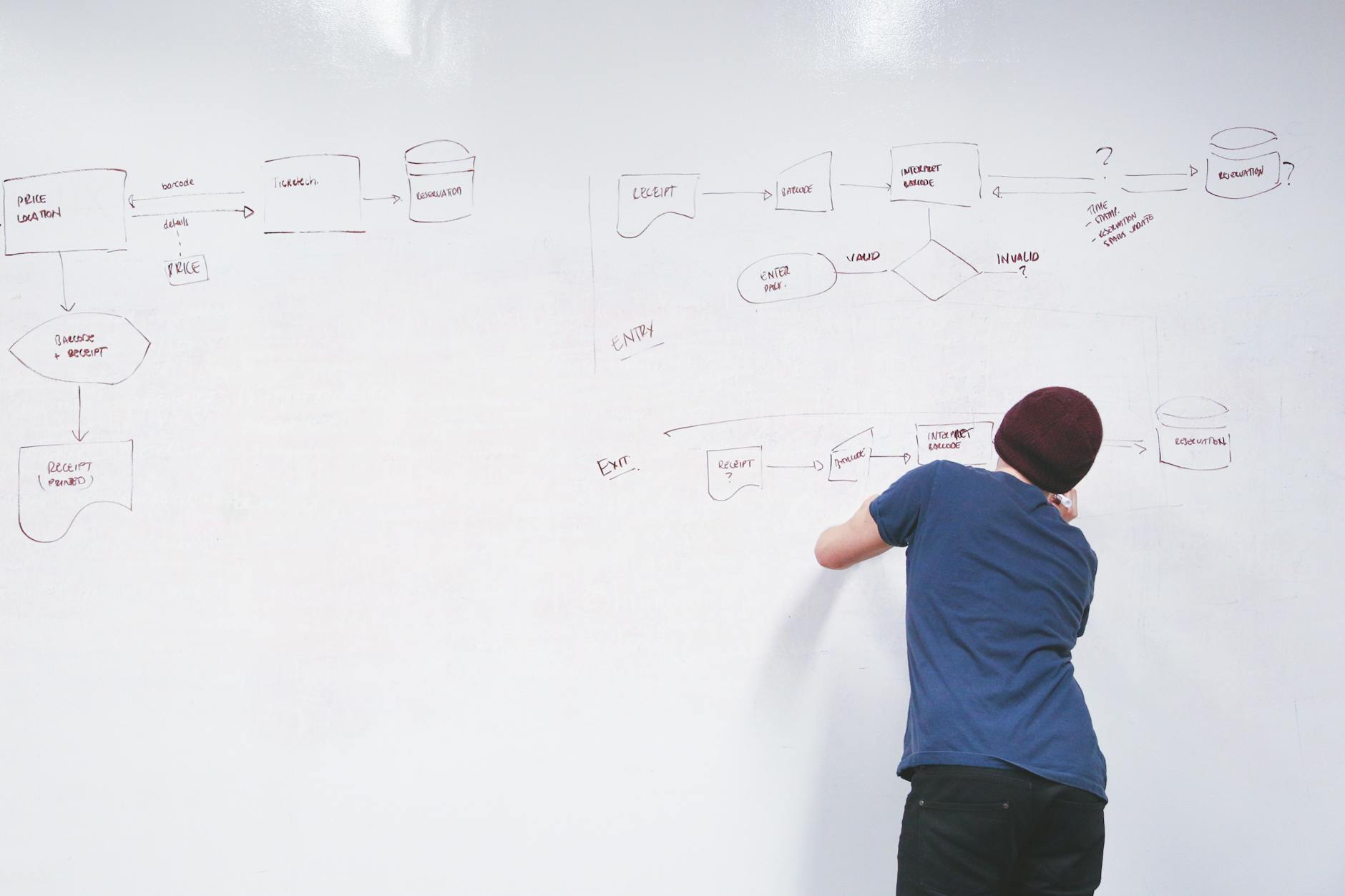
In the user experience world, understanding how platforms will be approached by its users is crucial to creating a successful design. To help with this, designers create flowcharts to explore the possibilities of how one can interact with a platform.
Flowcharts are visual representations of processes and systems, showing the various steps, decision points, and paths through a process. They provide insight on the options a user has when navigating an app. To illustrate how to go about creating flow charts, an example of my process follows.
My Flow Chart Exercise
As I develop MyMaryville, a companion app for my city’s website, I created user scenarios with matching flow charts to examine the current layout for my app in order to optimize its performance. First, I started with identifying the purpose of the app, the target audience, and what needs the app aims to meet.
Purpose
MyMaryville would focus on the services and resources offered by the City of Maryville and provide residents a platform to stay informed on latest news and events, make payments online, and explore what the city has to offer.
Audience
MyMaryville’s audience would include anyone born and raised in Maryville to those who are new residents just settling in. Any resident of Maryville can benefit from what this app offers.
Need
MyMaryville would meet their resident’s following needs in a convenient manner:
- Making online payments
- Staying informed on latest news and events
- Finding activities in the area
- Finding contact information
User Stories and Scenarios
To put my app to practice, creating users with unique backgrounds and needs helps to assess the strengths and weaknesses that appear upon use. This acts as a preliminary screening of what your app will provide its users and gives you a better understanding of how to optimize its functions.
Scenarios vs. Stories
A user scenario provides background information and the specific needs of a type of user. You can think of this like an avatar for your app. Humanizing a sample user gives the designer more realistic information to test and compare with.
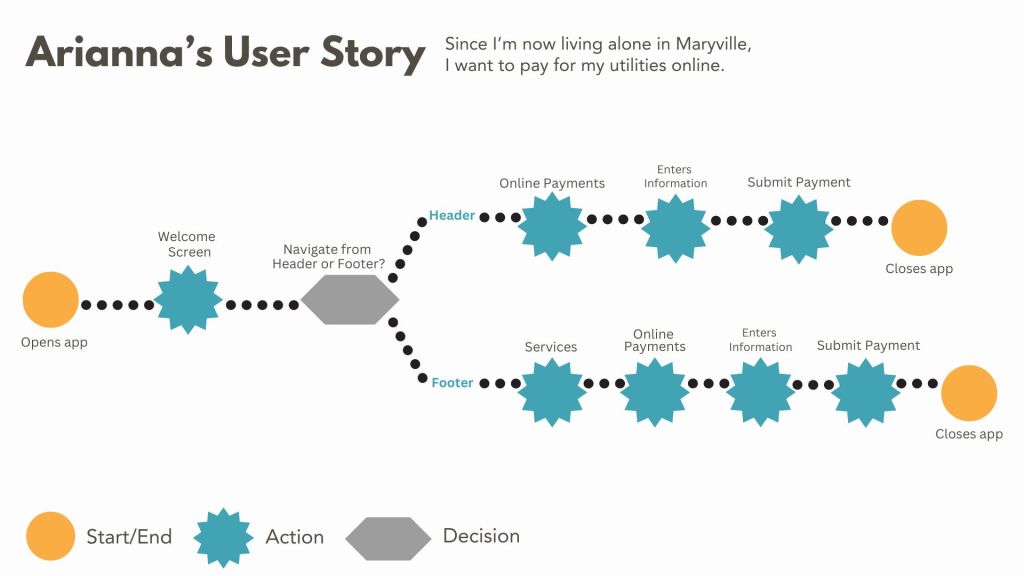
A user story is more concise than a scenario and depicts a specific goal the user has when interacting with the app. For Arianna, she wants to pay for utilities online. This is the information I based each of my flowcharts on.
Arianna’s Story

Arianna moved to Maryville with her family at 10 years old. She moved away for college, but has moved back after getting a nursing position at the community hospital. She is settling into her new apartment and wants to know the best way to pay her utilities. She is also interested in how the city has grown since she moved away.
Final Thoughts
Designing user flows for the MyMaryville app offered me a deeper look into its pages and features. Through this testing process, I am able to evaluate the success of the app’s information architecture. MyMaryville aims to streamline access to city resources and services for residents, and due to the insight I gained from these flow charts, I can further refine MyMaryville’s IA to better align with user needs and enhance their overall app experience.
User flow diagrams serve as invaluable tools for designers and help to identify any functions that may fall short. These diagrams clarify each step of a process or task, enabling designers to visualize the workflow and strategize improvements effectively.
To view my full flow chart process, click here.
 Rebecca Branton
Leave a comment