
User testing is a crucial component of the design and development process for any product or service that is looking to enter the market. It involves gathering feedback and insights from real users who interact with the product, typically in a controlled environment, to evaluate its usability, functionality, and overall user experience.
The importance of user testing lies in its ability to uncover issues, identify areas for improvement, and validate design decisions. Here’s why it’s so vital:
- Understanding User Needs: User testing helps designers and developers understand how real users interact with their app and what their needs and preferences are. This insight is upon the most important for creating user-centered designs that effectively address user requirements.
- Identifying Usability Issues: By observing users as they navigate through the app, designers can pinpoint usability issues such as confusing navigation, unclear instructions, or functionality that doesn’t work as expected. These issues can then be addressed to improve the overall user experience.
- Validating Design Decisions: User testing provides legitimate evidence to support design decisions. Instead of relying solely on intuition or assumptions, designers can test different design variations and gather feedback to determine which ones resonate most with users.
- Repetitive Improvement: User testing is typically an iterative process, meaning that designers can incorporate feedback from each round of testing to refine and improve the app repeatedly. This iterative approach leads to a more polished and user-friendly product over time.
- Reducing Risk: By identifying and addressing usability issues early in the design process, user testing helps mitigate the risk of launching a product that fails to meet user expectations. This can ultimately save time and resources by avoiding costly redesigns or reworks after the app has been released.
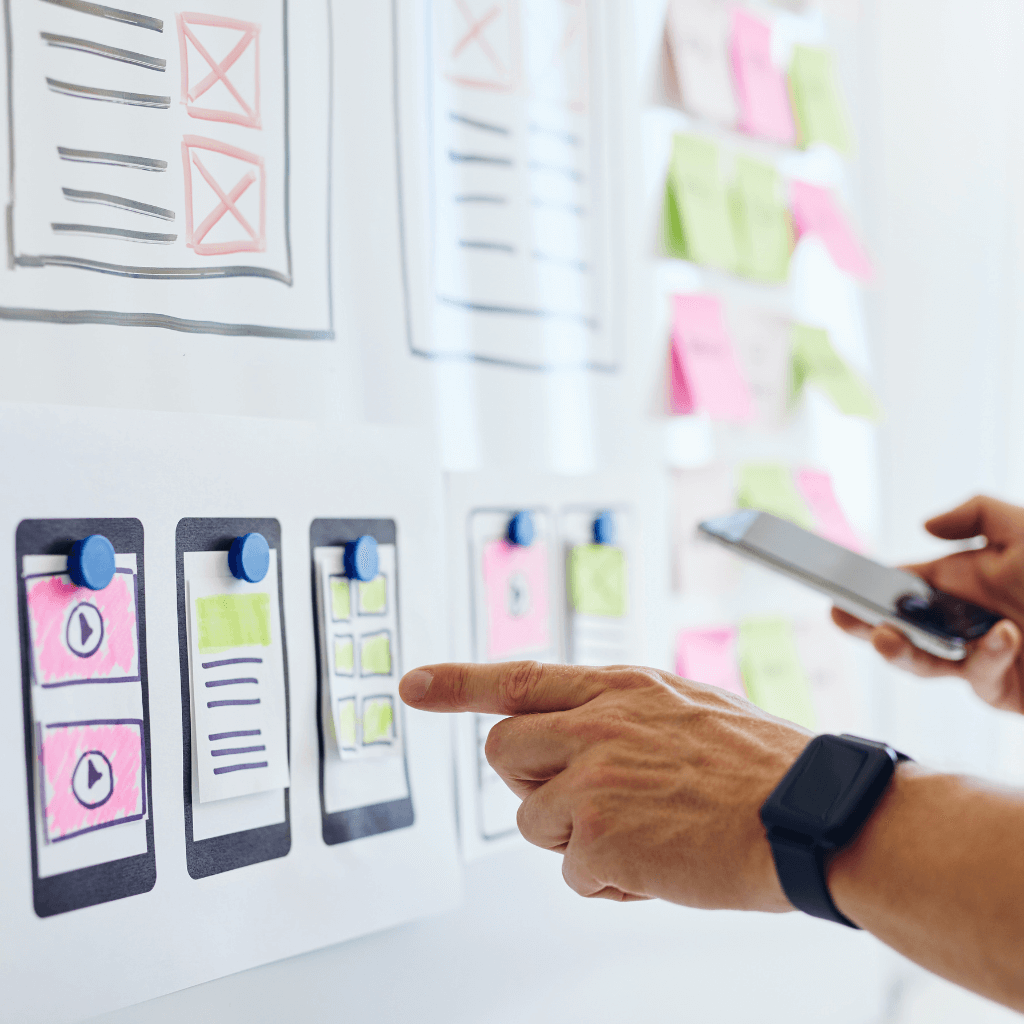
In the context of app design, user testing is especially relevant due to the highly interactive nature of mobile applications. Users have specific expectations regarding mobile app usability, performance, and design aesthetics. User testing helps ensure that these expectations are met, leading to higher user satisfaction, increased engagement, and ultimately, the success of the app in the market.
My User Testing Experience
Over the past few weeks, I have been developing a companion app for my town’s municipal website. What started with a site map of their current web page’s layout has turned into a proposed app to streamline the site’s functions. This week, I transferred my paper prototypes into Marvel, a website that turns your sketches into interactive app screens.

With each sketch, I can make any part clickable and link to its next function. This program has turned my ideas into an interactive, testable format that can be shared with others easily.
After going through my sketches and making each feature interactive, I recruited two users to navigate the app and complete three tasks each. I began with a general introduction of their role in the session, but did not go into detail about the app’s capabilities. I asked a few background questions to learn more about each user’s prior experience with websites and apps. Before beginning the tasks, I asked for first impressions based on the homepage. Then, I asked them to complete these three tasks:
- Pay the utilities bill you received in the mail today.
- Learn more about your town by finding the “Our History” page.
- A friend mentioned an event coming up on May 8th that you would like to know more about. Please locate where you can find this information.
Between each task, I gave the user time to reflect on the task and provide any feedback they may have.
What I Learned
Both users provided excellent feedback. While both were able to assume the meanings of each icon on the bottom navigation bar, each shared that there could be better icons to describe each section. One user found that multiple “Submit” buttons within the first task created some confusion and suggested that the buttons be labeled more specifically, such as “Proceed to Payment.” Another suggestion was to include the ability to create an account and save important links and events to their profile. By watching others use the app in real-time and explain their experience, I can return to my designs with a fresh perspective and continue to optimize my app to provide seamless user experience.
To view my complete user testing exercise, including both user tests, click here.
To explore my Marvel app prototype, click here.
 Rebecca Branton
Leave a comment