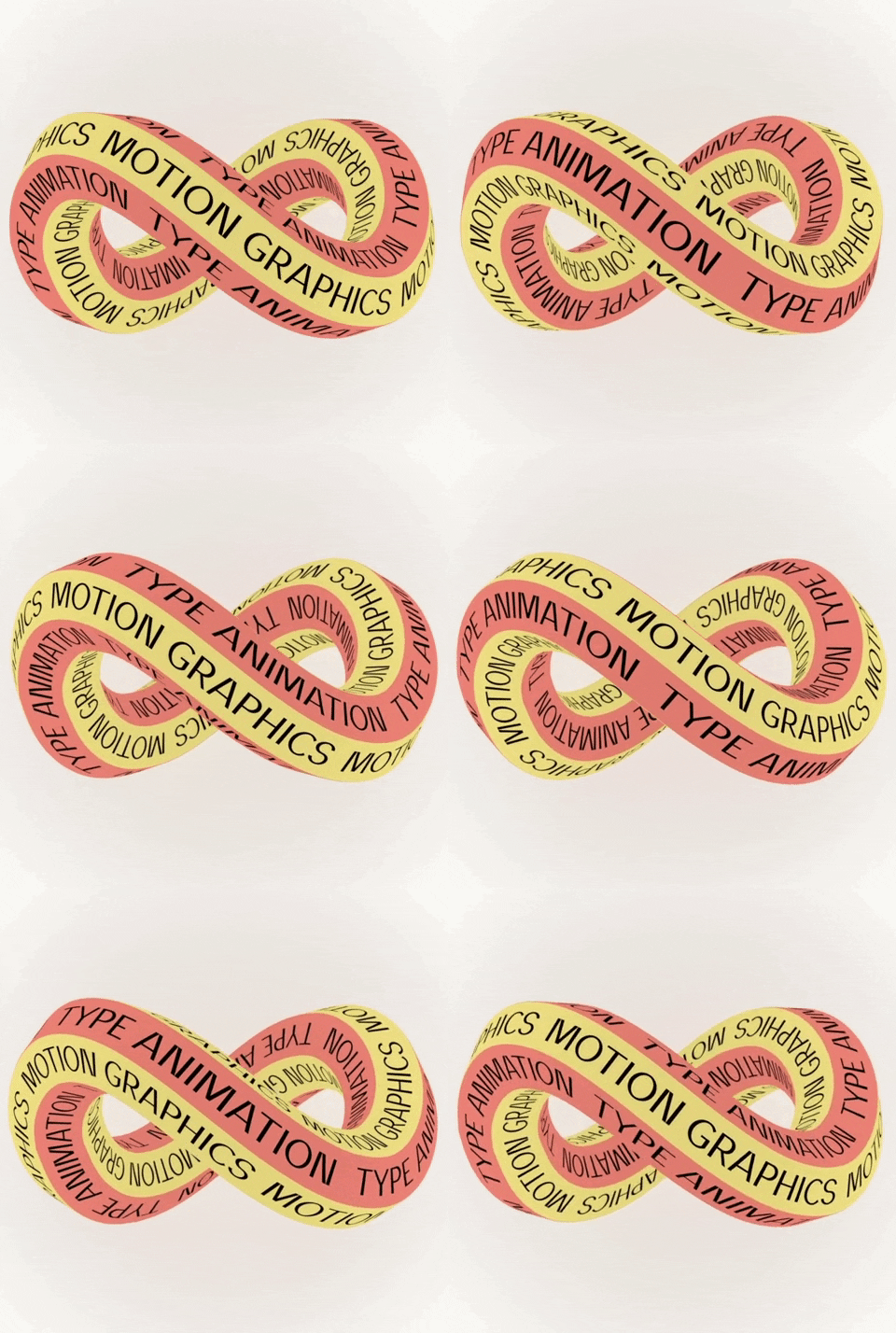
Motion design is a discipline I’ve barely stepped into — that is, if you count the one-minute music video I put together years ago a solid step. I predominantly work with print material, but being able to offer a wider range of services to my clients is a major goal of mine. A big step in the right direction is enrolling in a Motion Across Media course this semester.
We kicked off the class by reading the introduction and first chapter of Animated Storytelling by Liz Blazer. This section dives into the process of pre-production and the importance of planning before jumping into a project.
For every project, there are three essential questions:
- What is it?
- What does it look like?
- What is it made of?
The first question can be answered through concept development. A creative brief is usually supplied if you’re working with a client, but sometimes you have to build one for yourself. These are the questions she encourages you to ask yourself:
- What must it be? (short film, PSA, advertisement, movie trailer, etc.)
- Who is it for? (social media followers, TV audience of 11-14 year old boys)
- How long must it be? (30 seconds, 5 minutes)
- What is your objective with the piece? To raise money for Alzheimer’s research, to introduce a complex character in a feature film)
- When is it due? (One month, six months)
A great suggestion Blazer gives is to create a calendar to work backwards from. Mark your deadline, then work back to create weekly milestones for you to stick to.
Next is to figure out what your project is. First, find the “Big Idea” and begin mindmapping around that topic. Then, circle the words or phrases that stand out and think about possible narratives to connect them.
To help spark inspiration based on your mind map, she gives a few exercises to try:
- Yes, and: This exercise is a major tool in improv theater because it keeps the narrative going. No matter how outlandish or silly, build onto each of your ideas by connecting them with a “yes, and.”
- Elevator pitch: Decide the feeling your story strives to invoke, describe the plot in one sentence, and finish off by revealing the deeper message.
- Six word story: Using the words or phrases from your mindmap, try building one-sentence stories that entice your audience.
- Tagline: Think of an interesting catch phrase that pulls the audience in; the six word story goes hand-in-hand with this!
Next, Blazer encourages finding references and influences. This allows for you to see what’s already been done and how you can create original work. With your inspiration, create concept art to remind yourself of your initial goals and how to stick to them or tweak them.
Lastly, Blazer explains the process of asset building and how it helps figure out what the project is made of. Assets are “all of the pieces you’ll need to begin animating.” Think logos, character designs, fonts, color scripts, sound effects, etc. Assets are like the clothes and accessories you pick out to create the perfect outfit.
Some Research
As far as creating goes for this week, I learned some methods for creating GIFs. Before making my own, I found a few examples that caught my eye.
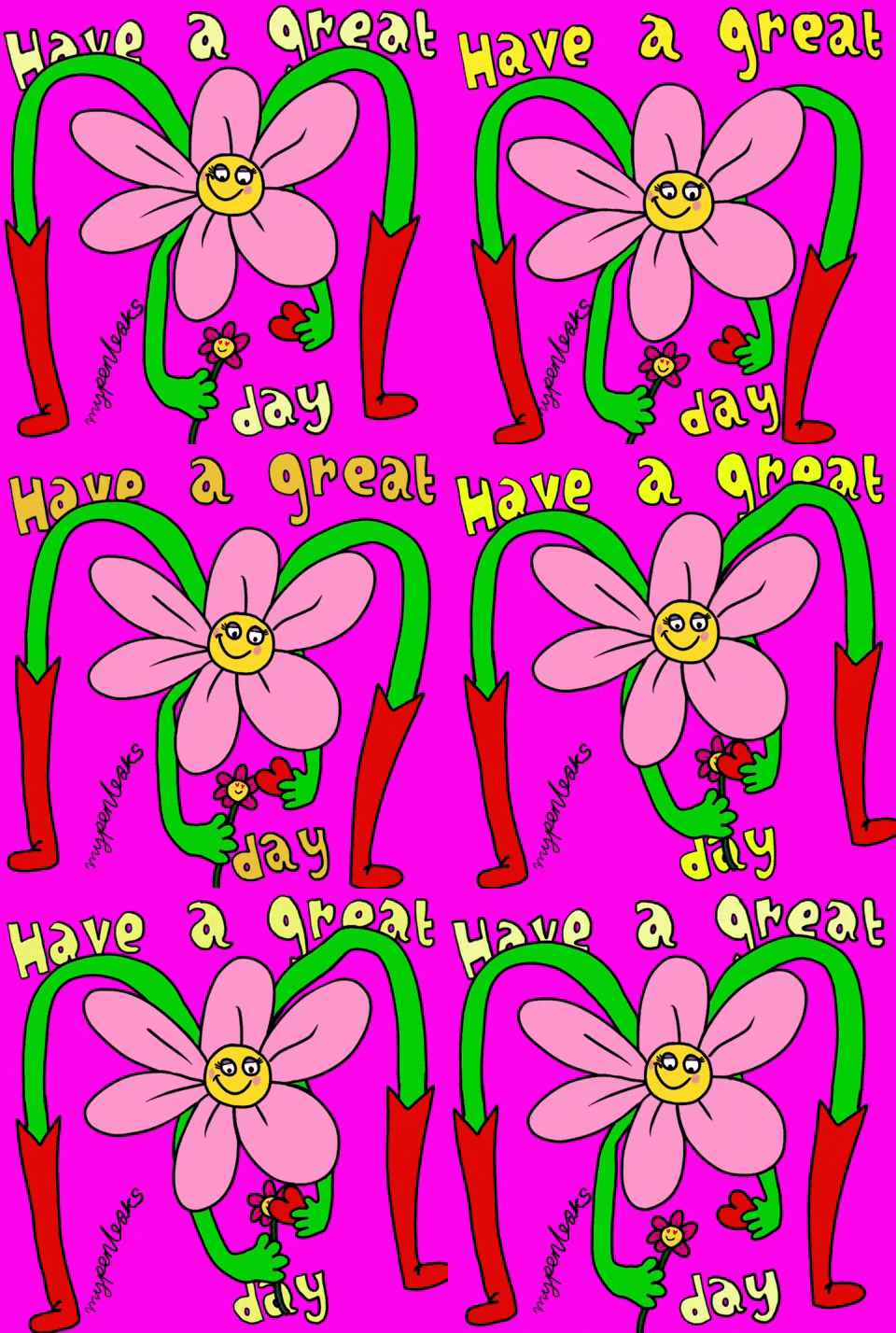
This GIF caught my eye because of the vibrancy, unique illustration, and snappy movement. This reminds me that GIFs can be of any and every style; they allow for funky subject matter!
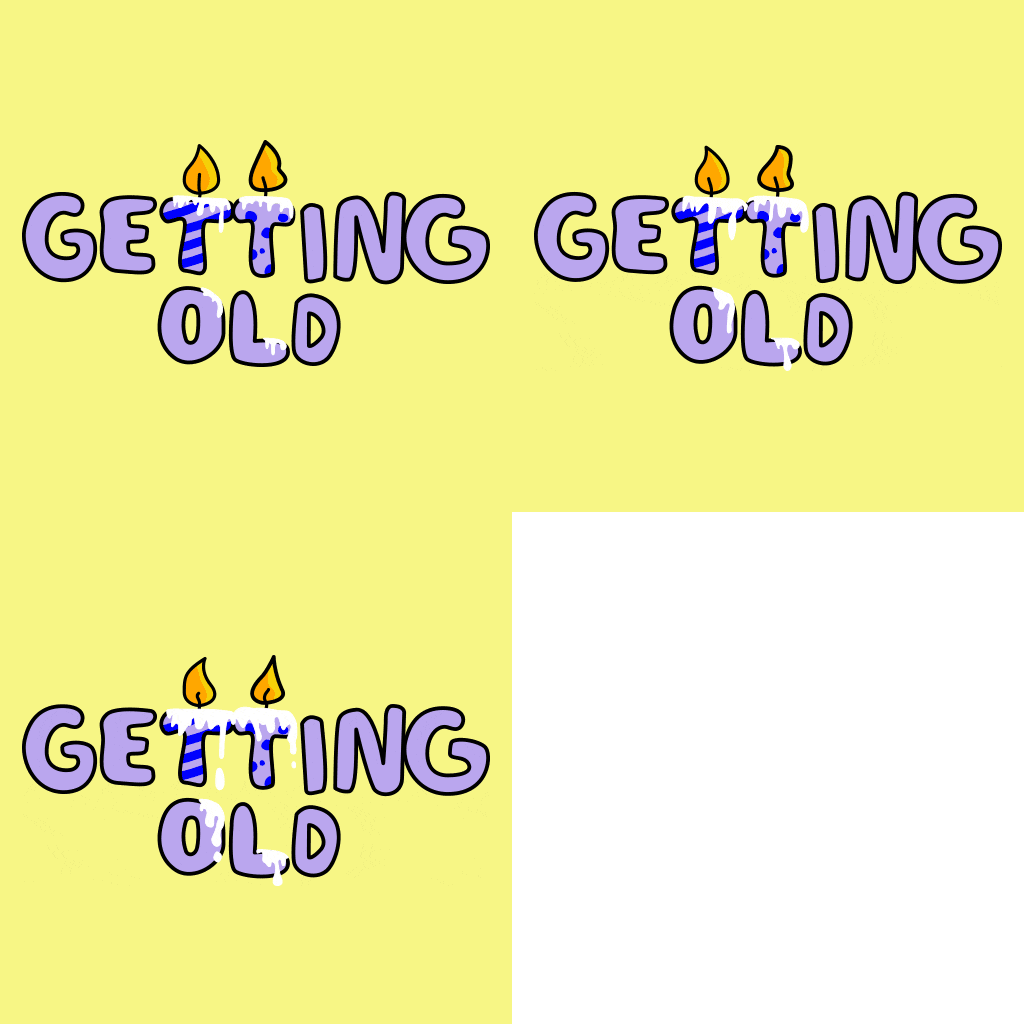
I came across lots of birthday GIFs, and this one stood out because it’s not your typical “Happy Birthday” message. Choosing the isolated movement of just the candles is simple, but effective.
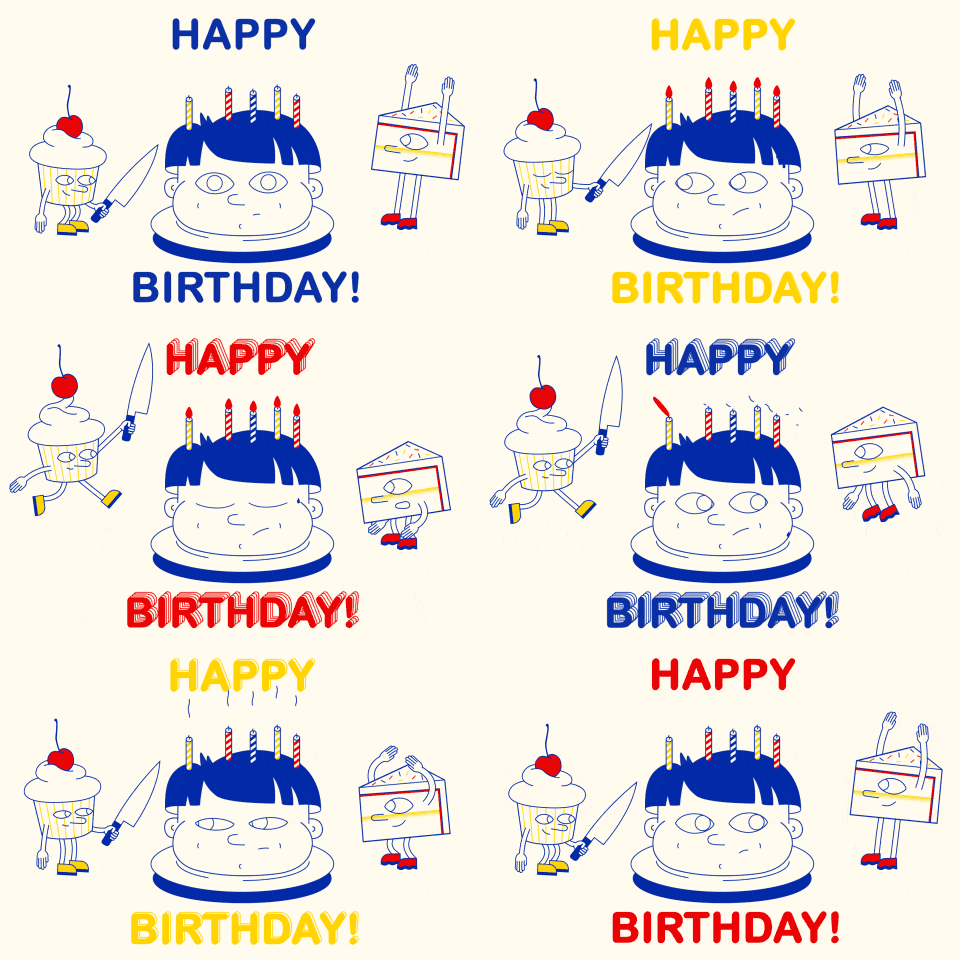
Now this one is REALLY not your typical birthday GIF. It’s slightly gory, but funny. I would enjoy someone sending this to me on my birthday!
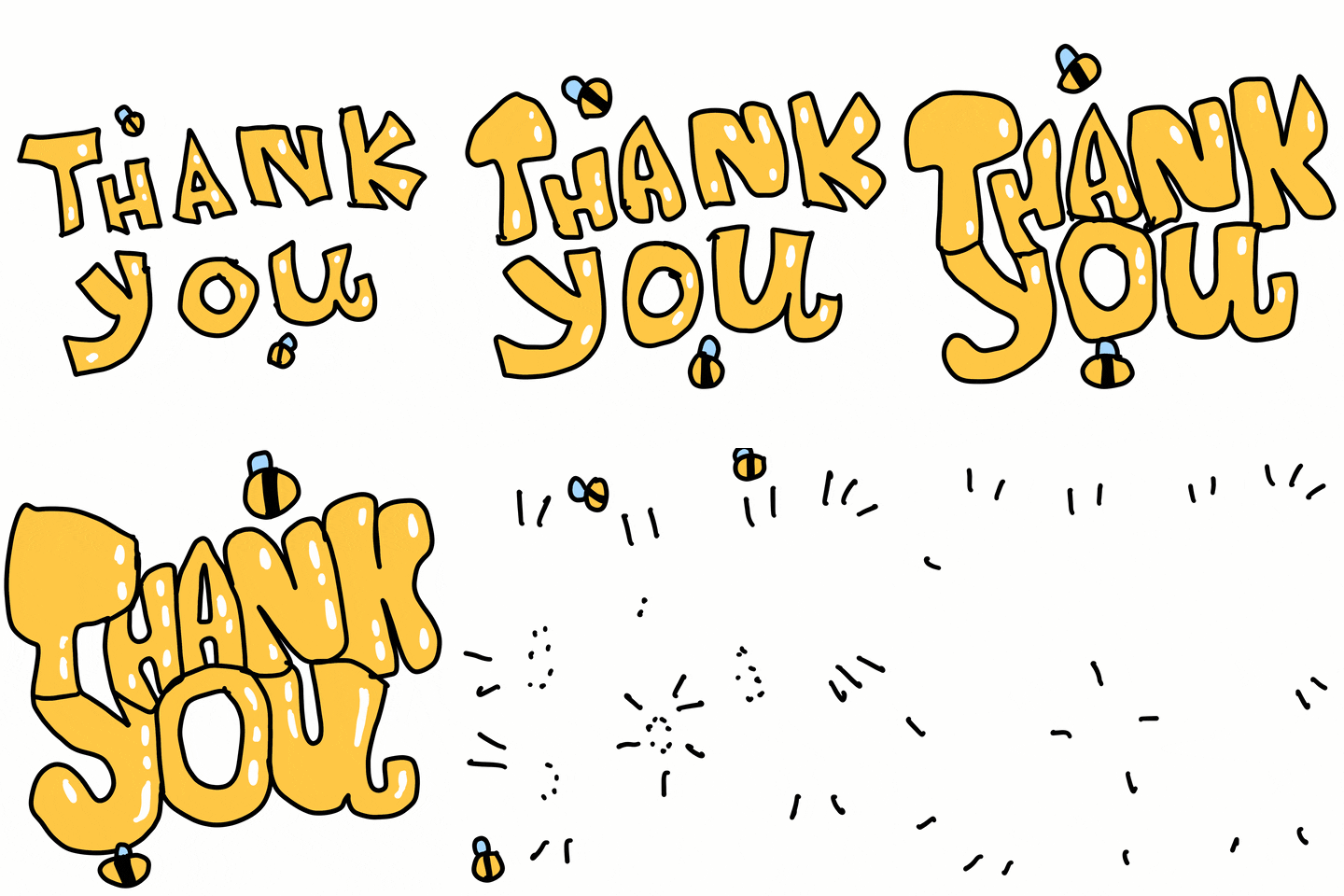
I love the true hand-drawn feel this one has. The transition is smooth despite its crafty look. It seems like something I could be capable of with a bit of practice.

Like the birthday candles, I enjoy the isolated movement of the blanket, cat, and background shape. The cat flashing on and off of the illustration allows for a seamless loop.
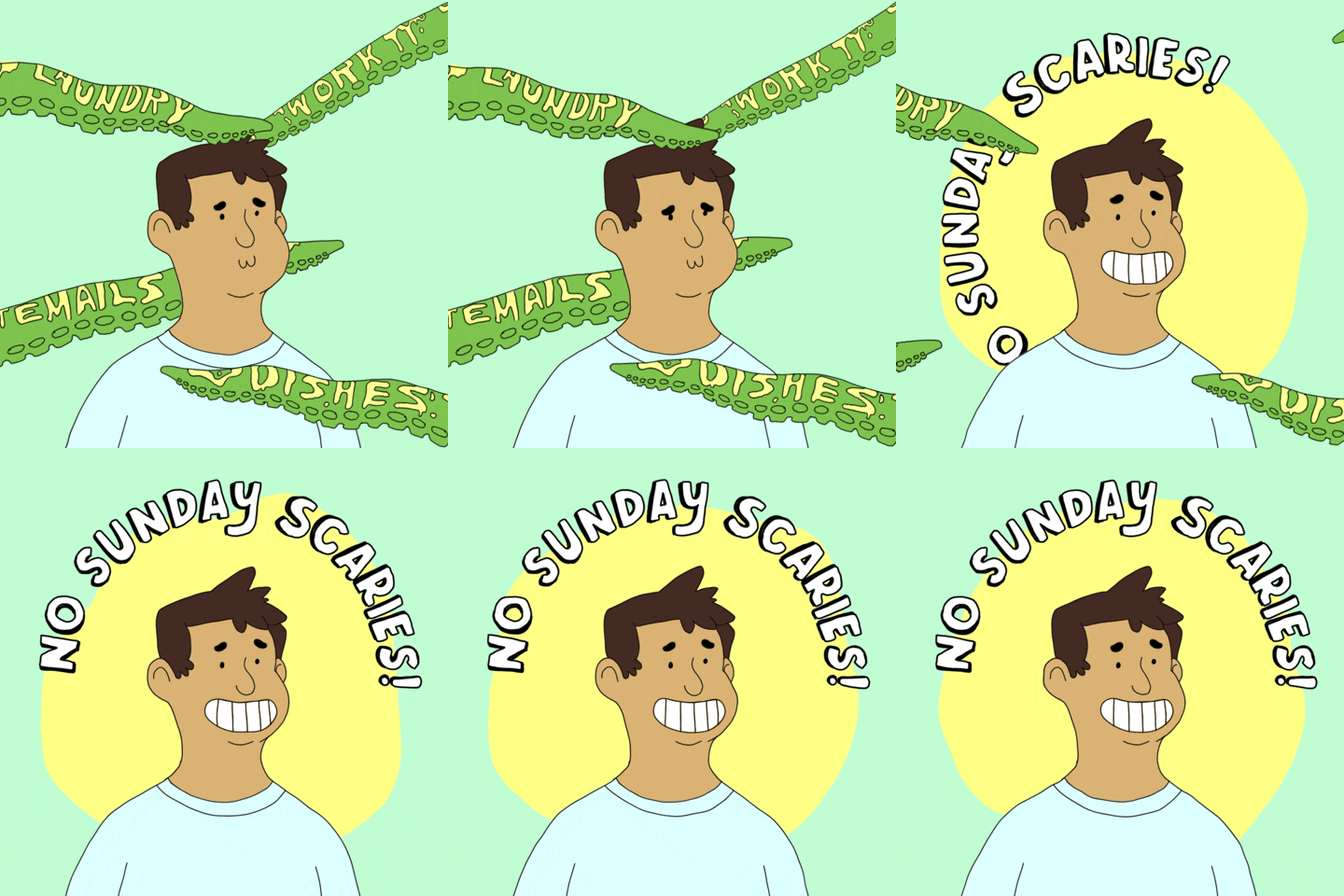
This is the most involved GIF of the ones that stuck out to me. The creativity involved for putting chores and responsibilities on monster tentacles to represent “Sunday Scaries” is original and super eye catching. The text transition is smooth and well-timed.
Onto Creating
After watching a few video tutorials, I set off to create my own GIFS using a few different methods:
- Create a “cut-out” GIF in Photoshop

Given that this is the first GIF I’ve ever made, I’d call it a success. I created the two images in Adobe Illustrator and exported them together as a JPEG. I created a separate layer for each and used the timeline feature to set how long each illustration would show. I got new glasses on this day and figured it would make a great GIF!
- Create a “hand drawn” GIF

This next GIF was also created in Photoshop, but I used the onion skinning method to hand draw the text and image. I used to send a lot of GIFs like this to my friends and family as a preteen, so I figured I’d try my hand at creating one myself. I enjoyed being able to track the movement and trace over previous frames, but I didn’t think it would take so long. I tried to slow it down a bit, but there’s still some tweaking I could do.
- Animation of Choice: Using Procreate on iPad

After practicing hand drawing and onion skinning with a mouse, it made me think of how nice it would be if I could use my iPad instead. After a quick Google search, I found out I could! Using the Procreate app, I was able to get my layers to act as frames. I have always known creating GIFs is harder than it may look, but for those who don’t realize, it is so not a piece of cake.
The video below is a great resource for learning different methods of creating GIFs in Procreate!
 Rebecca Branton
Leave a comment