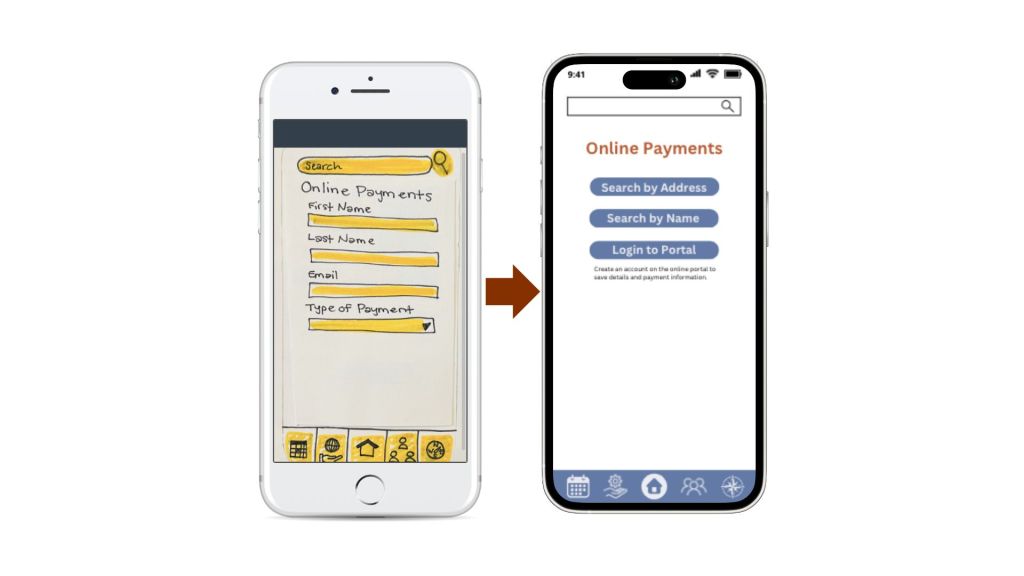
Over the past seven weeks, I have documented my progress of researching, drafting, and developing a companion app to my city’s municipal website. I have now completed the process and have made it to the final step – high fidelity prototyping.
Simply put, high fidelity prototyping is a polished simulation of your final project. Because it’s still a prototype, it isn’t perfect, but it gives the designer an idea of what the app would look like in its final form. This is when designers can focus on optimizing functions and figuring out the aesthetics of the app.
My High Fidelity Protoypes
To create my prototypes, I used Canva to design my screens and Marvel to make them interactive.
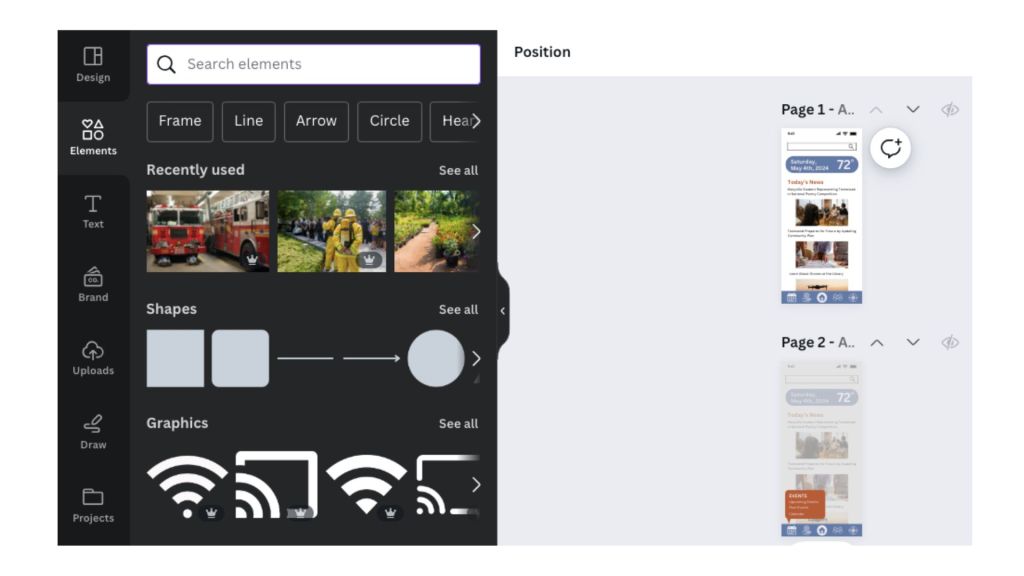
Canva Pro offers pieces of UI kits to use and is easy to work with.
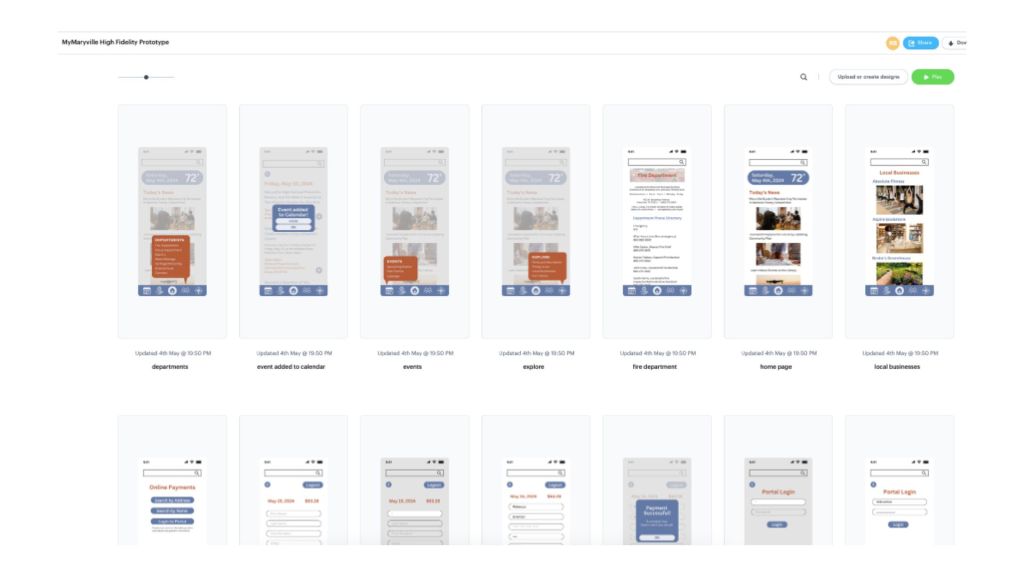
When I did user testing for this app, I used Marvel and found the process intuitive, so I used it again for my refined screen designs.
When creating my high fidelity prototypes, I took the feedback from my user testing into account in order to optimize certain functions of the app. I created an online portal for payments to streamline the process and refined the icons to give a clearer idea of what each would lead to. To cater to a wide audience, I kept the look of the app simple and clean to help aid navigation. I continued to remind myself that prioritizing functionality was more important than aesthetics.
Overall, creating these high fidelity mockups was my favorite part of the app design process. Having user experience aid my decisions for what the app should look like made this design process easier than others that allow room for creative freedom and experimentation; this design has no frills.
Final Thoughts of this Project
The process of creating a companion app to accompany a complicated, disorganized municipal website is no small feat, especially when a companion app for that website has never been attempted. User experience design seeks to reveal user’s needs and find the best, most well-received solutions for those needs.
This Ideation, Prototyping, and Testing course taught me the process of brainstorming, drafting, and testing the beginnings of an app. Through this project, I was able to gain first-hand experience in all stages of the design process.
When first creating the site map for Maryville City’s current website, I felt slightly discouraged and overwhelmed by the amount of work it would take to produce a well-designed companion app. I am proud of my work and all that I have learned and put to use for this project.
Overall, I enjoyed the process of creating this app. The site maps and user flowcharts were a bit daunting, but creating the layout and aesthetics of the app was well worth it. I have gained a newfound respect for UX designers; this project was very involved and required a lot of research, so I appreciate what it takes to create an app that is functional, developed well, and enjoyable to navigate.
To see a walkthrough of my final high fidelity prototype, click here.


Leave a Reply